Welltory’s center
HRV and reports.
Welltory’s public materials describe HRV analysis plus sleep, activity, health, heartbeat, and workout reports.
Welltory is a strong reference point for HRV-centered analysis and health reports. If your priority is a dashboard-first view of Apple Health—what moved, which source was used, and whether AI should go deeper—Vitara offers a different path.
Apple Health tells you what happened. Vitara helps you see what changed.
Apple Health read-only · Optional AI · Wellness information, not medical advice
Welltory’s center
Welltory’s public materials describe HRV analysis plus sleep, activity, health, heartbeat, and workout reports.
Vitara’s center
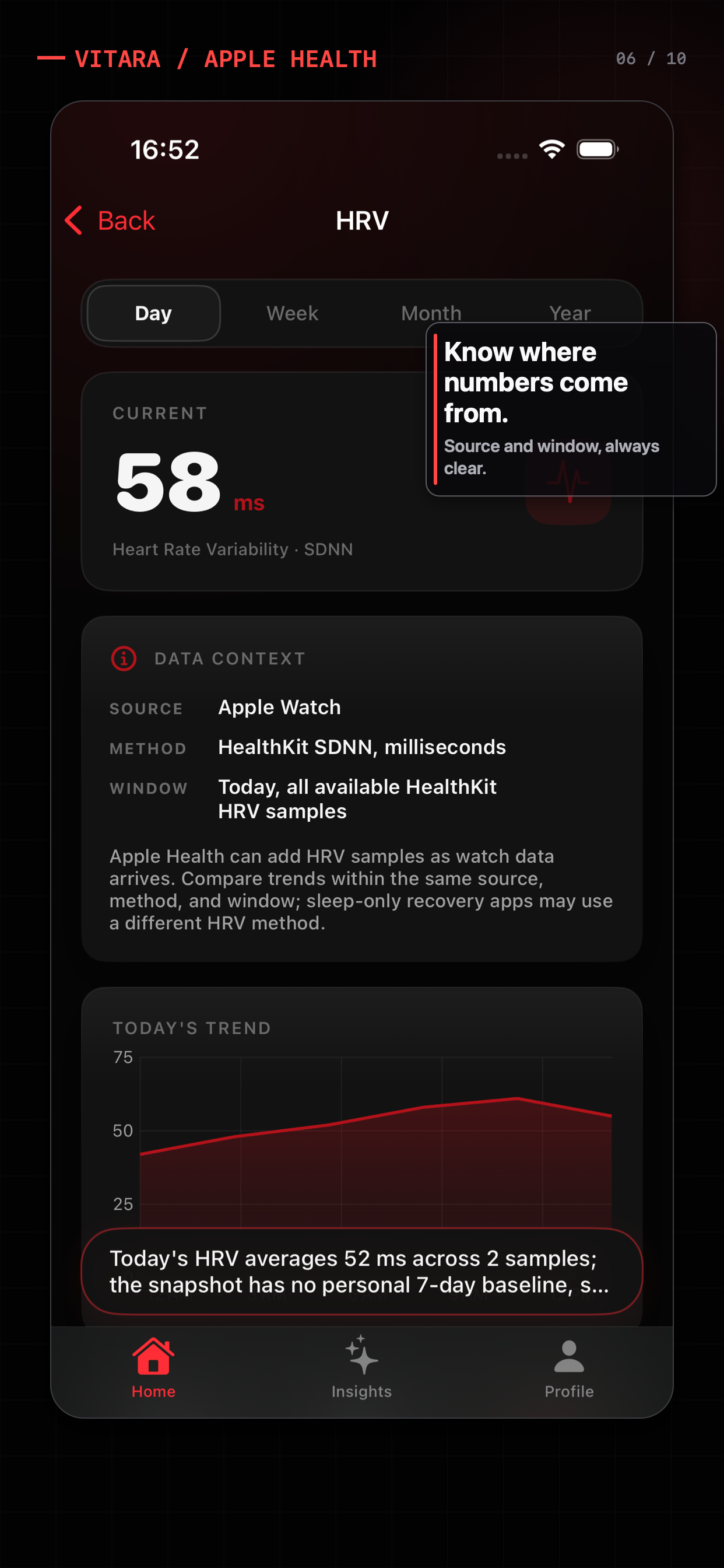
Vitara starts with local trends across Apple Health and shows HRV context before optional AI interpretation.
The decision
Choose the experience that matches whether you want a specialized report system or an inspectable dashboard and provider boundary.
Start with the use case
Welltory describes HRV as the core of its experience and connects it to reports about sleep, activity, health, heartbeat, and workouts. That can suit people looking for a dedicated physiological analysis layer. A dashboard-first alternative is useful when you want to inspect Apple Health trends across several metrics before deciding whether an AI explanation is warranted.
Why Vitara may fit
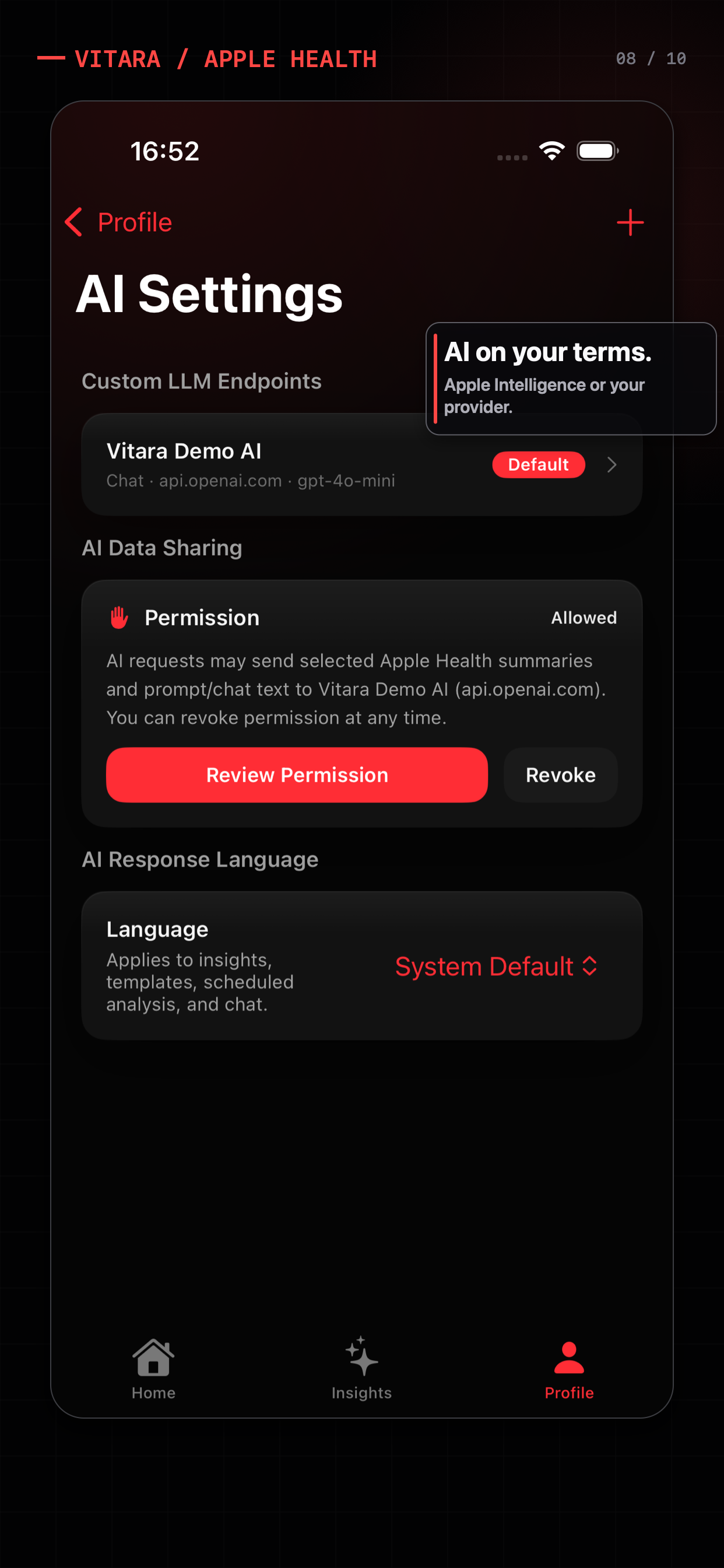
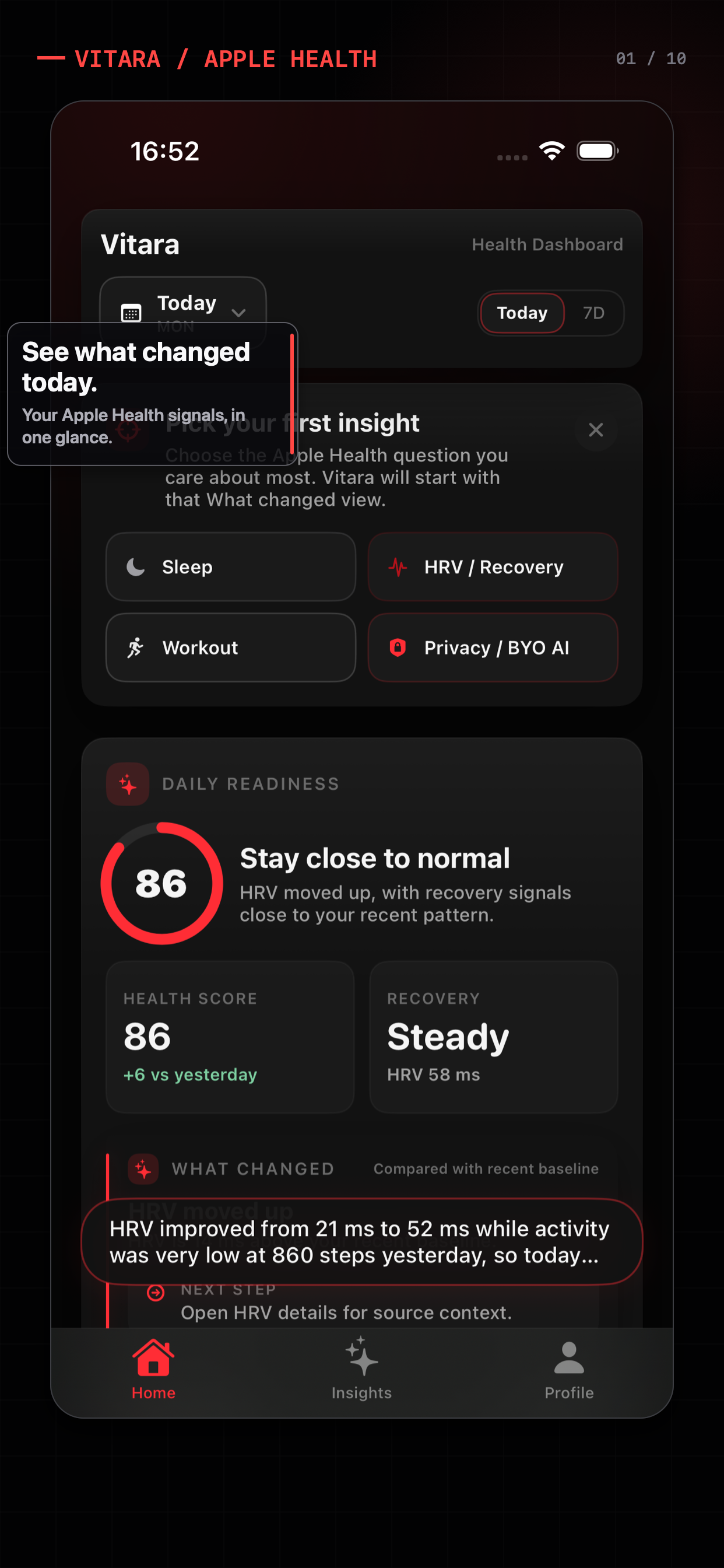
Vitara’s dashboard is built around a simple sequence: read Apple Health locally, surface a trend change, and offer a focused AI layer when you want more interpretation. The user can choose Apple Intelligence on supported devices or configure an OpenAI-compatible endpoint, while the local dashboard remains useful without either.
A practical fit check
These are different product jobs. The right choice depends on whether you want a record, a trend explanation, or coaching around readiness.
| Dimension | Welltory | Vitara |
|---|---|---|
| Lead lens | HRV-centered analysis with sleep, activity, health, heartbeat, and workout reports. | Apple Health dashboard, trend movement, HRV context, and optional AI explanations. |
| Best first question | How are my HRV and related reports describing my current state? | What changed across my Apple Health data, and which context should I inspect? |
| Provider boundary | Review Welltory’s current privacy and processing terms for the active plan and feature. | Use local dashboard explanations, Apple Intelligence where supported, or a custom endpoint you configure. |
| Choose it if | You want a dedicated HRV and report-oriented health companion. | You want a dashboard-first Apple Health companion with optional AI depth. |
This is a fit comparison, not a feature parity claim. Product methods, integrations, and plans should be checked at the linked source.
Before you download
For product-wide answers about pricing, permissions, AI providers, and the Free/Pro boundary, see the Vitara FAQ.
It can be an alternative for someone whose priority is an Apple Health dashboard, trend context, and optional AI rather than a dedicated HRV and stress analysis system. It is not a claim that the products provide the same measurements or coaching.
Welltory’s current product materials center on HRV analysis and reports for sleep, activity, health, heartbeat, and workouts. Confirm its current integrations, pricing, and processing terms directly.
Yes. Vitara’s local dashboard and local What changed explanations do not require a custom AI endpoint. If you choose a provider, the app presents a data-sharing boundary and the provider’s own terms apply.
Sources and boundaries
Welltory’s help center describes HRV as the core and lists Sleep, Activity, Health, Heartbeat, and Workout reports.
Welltory: Compatible devicesWelltory documents Apple Watch and Apple Health-connected data paths in its current device guide.
Vitara Apple Watch HRV guideVitara’s existing guide explains why HRV source, method, and measurement window matter.
Product features, pricing, and platform behavior can change. This page was reviewed on July 11, 2026; use the linked source and each product’s current terms before making a purchase decision. Vitara is for wellness reflection and informational reference, not diagnosis or treatment.
Related search paths
 Why Vitara
 Apple Watch captures a lot. The hard part is giving an AI system the right context without handing over everything.
Read the note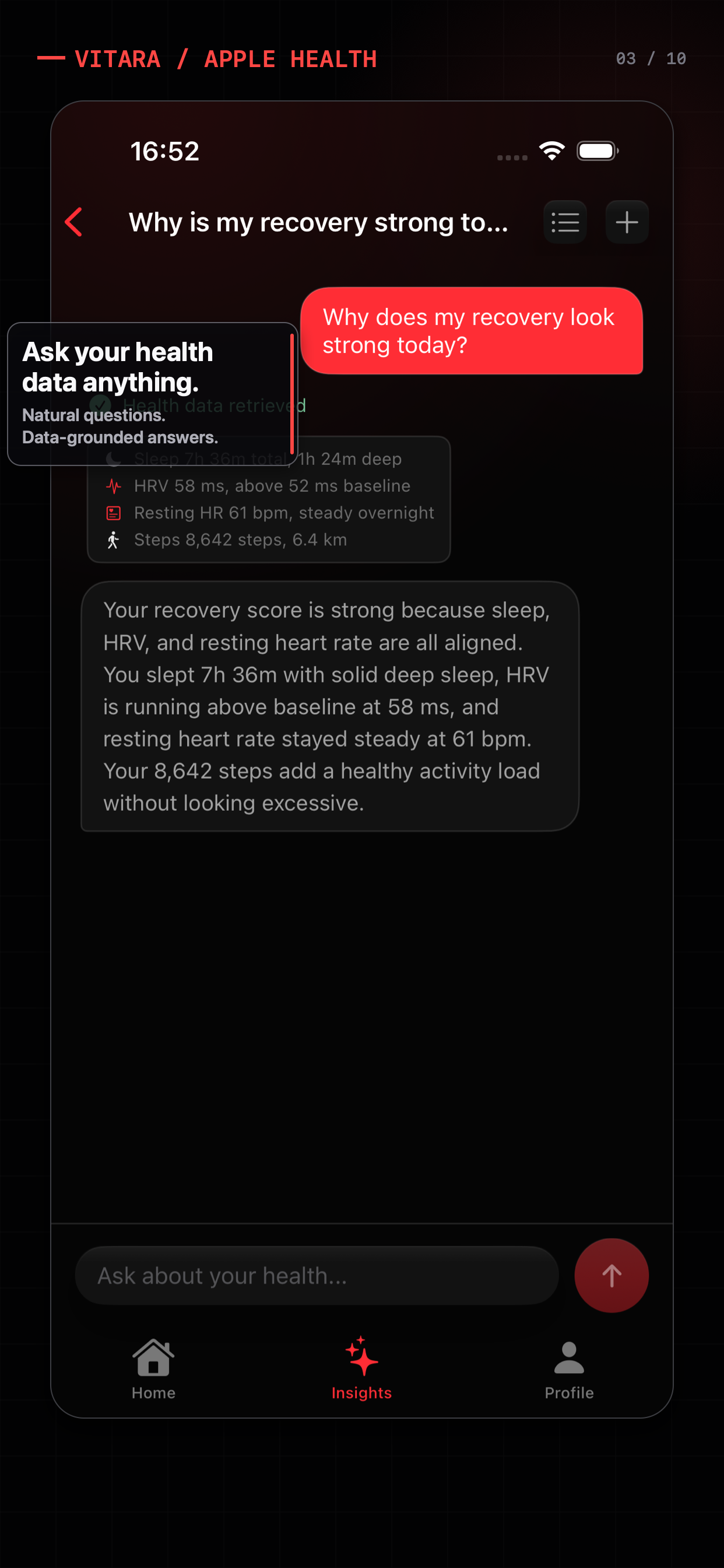 How it works
 A small JSON protocol lets the model ask for specific HealthKit data while the app keeps permissions and execution local.
Read the note