What changed
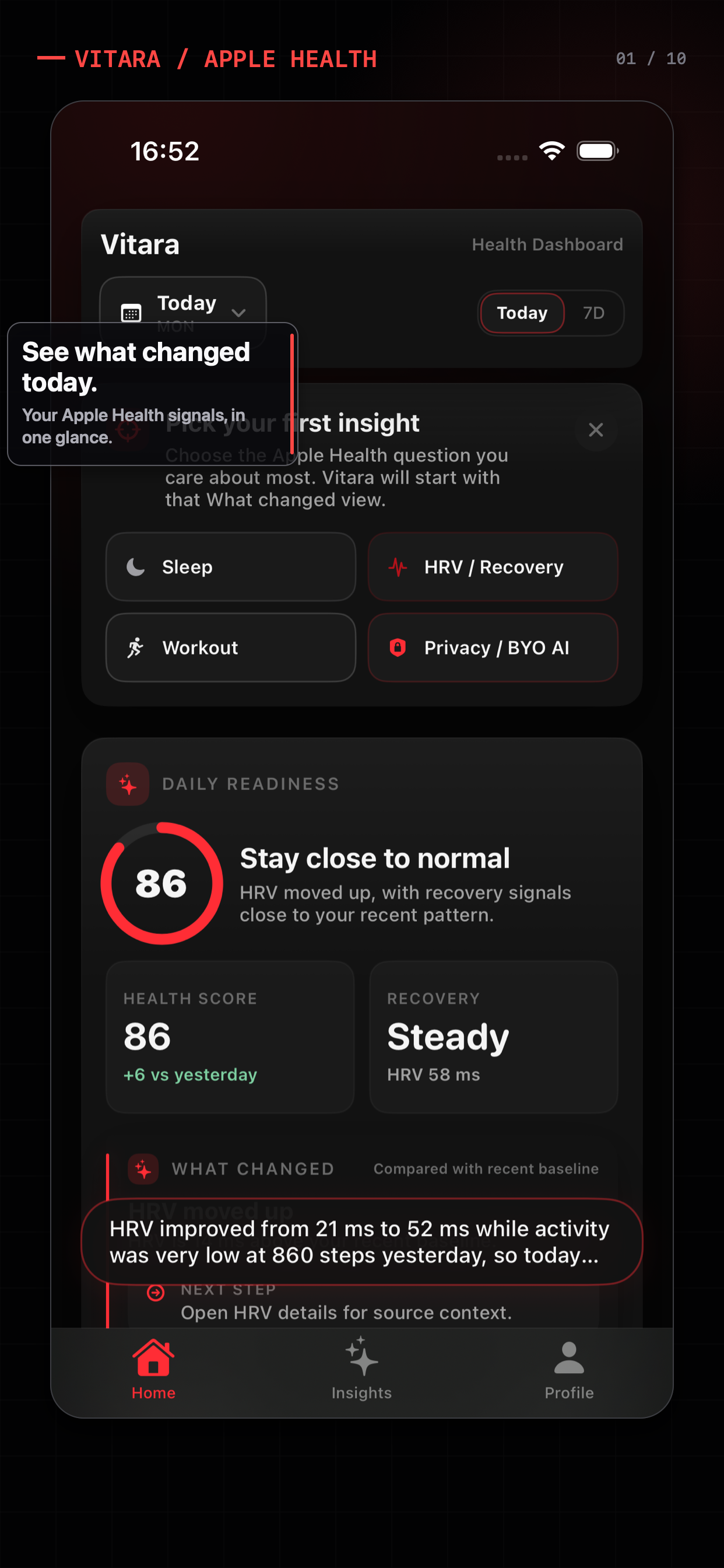
See what changed in sleep, HRV, heart rate, activity, and workouts, compared with your recent baseline and shown with source context.
+14 MS · HRV VS BASELINE
Vitara is a privacy-first Apple Watch insights app. See what changed across sleep, HRV, heart rate, activity, and workouts, with source and trend context. For AI analysis, add your own API key and use a cloud model you trust. Vitara does not run that model. You preview the request, then selected data goes only to your provider. On-device Apple Intelligence is experimental and less reliable. It may fail, or claim data is missing, even when the dashboard already shows it. It is not the recommended path. New users can explore Pro for free, from deeper AI insights and custom templates to scheduled analysis.
iOS 17+ · Your API key for AI · No Vitara cloud model

Product preview
Switch between Health Chat and the AI insight bubble — two short reels of informational Apple Health context you can actually use.
Health Chat
The Vitara workflow
Apple Watch insights first. When you want an explanation, add your own API key for a cloud model you trust.
See what changed in sleep, HRV, heart rate, activity, and workouts, compared with your recent baseline and shown with source context.
Add your own API key. That is the recommended way to get an explanation from a cloud model you trust. Vitara does not run the model. On-device Apple Intelligence is experimental and less reliable — it may fail, or say data is missing, even when this dashboard already shows it.

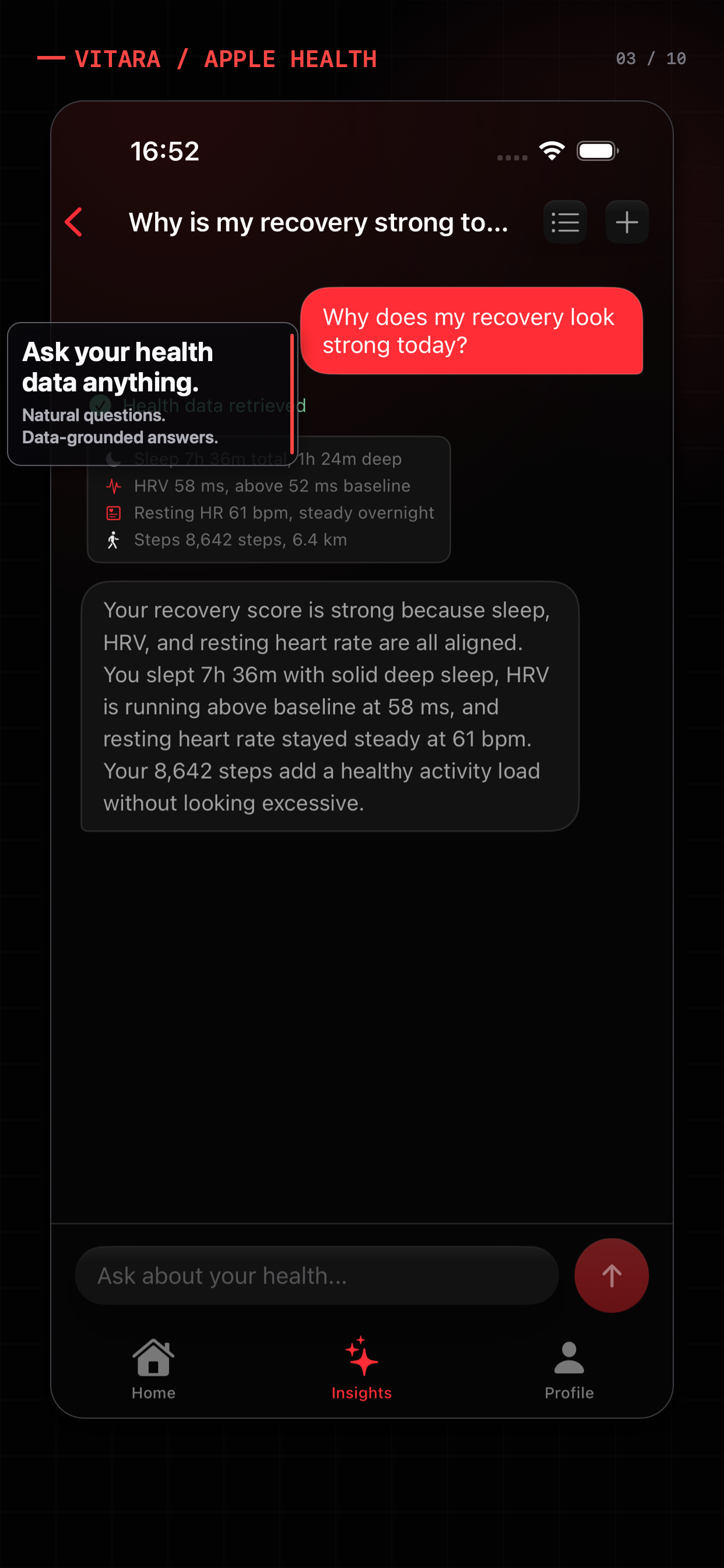
Ask something like “how did I sleep before hard workouts this month?” With your API key, Vitara pulls the Apple Health numbers and your cloud model answers from them. The on-device model may fail the same question.
Opt-in notices when heart rate, HRV, or blood oxygen moves away from your recent baseline. Informational, not a diagnosis. A written explanation, if you want one, uses the cloud model behind your API key.

Add your own API key for a provider you trust. Vitara does not operate a cloud model. You preview what would be sent, the key stays in the iOS Keychain, and you can revoke access later.
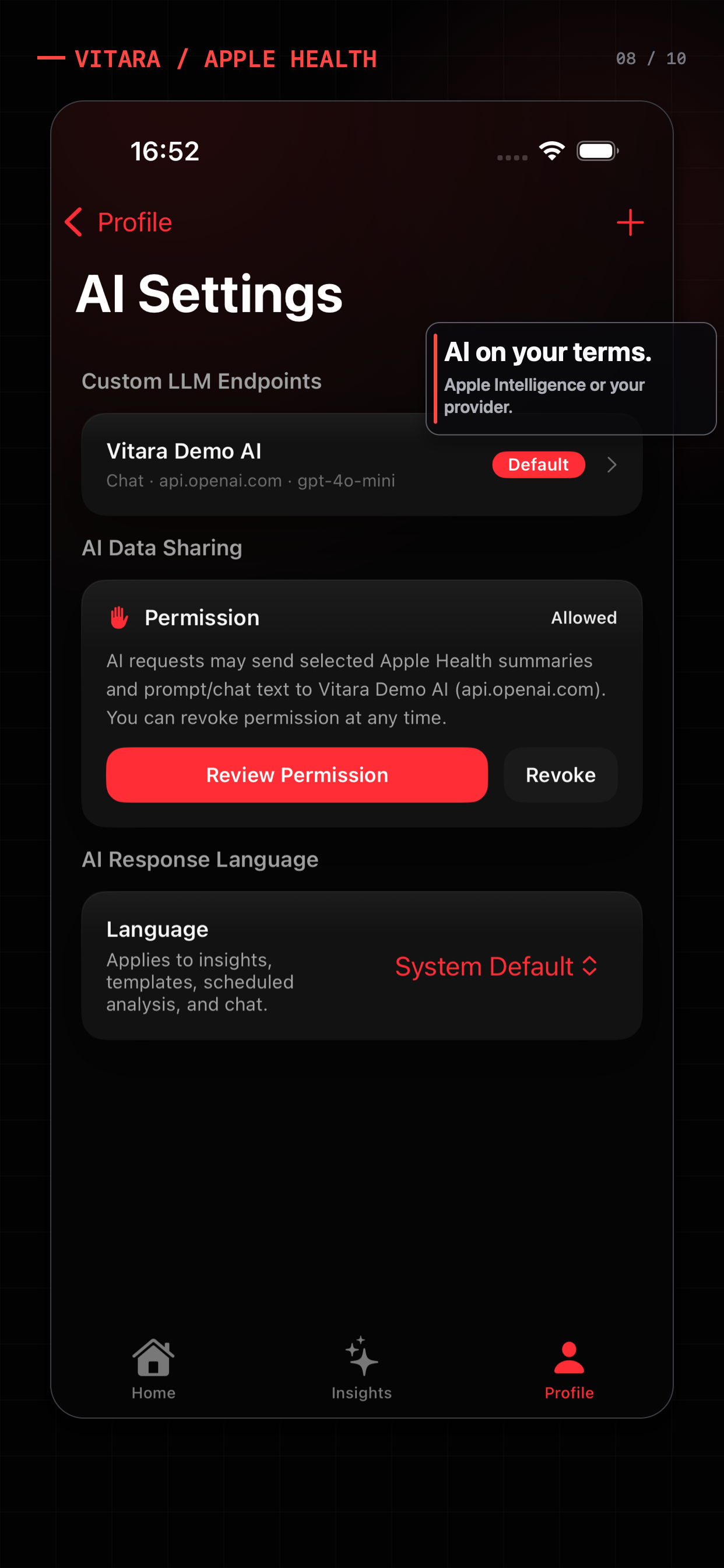
Privacy stays with you, and Apple Watch insights stay in the dashboard. For AI, add your own API key and send selected context only to a cloud model you trust. Vitara does not run that model. On-device Apple Intelligence is experimental and less reliable: it may fail, or claim data is missing, even when the dashboard shows it.
Apple Health app guides
Compare Apple Health dashboard apps, Apple Watch health data tools, HRV reports, recovery coaching, and privacy-first AI before you download.
A workflow-first guide to dashboards, trends, source context, and optional AI.
Compare Apple Watch health data, trend context, source details, and optional AI.
A neutral fit check for recovery scores, coaching, and dashboard context.
Compare HRV-centered reports with a dashboard-first Apple Health workflow.
A checklist for provider choice, consent, and selected health context.
From the Vitara lab
Product notes about Apple Health, local data boundaries, AI agents, Memory, and bringing your own provider.
Why Vitara Apple Watch captures a lot. The hard part is giving an AI system the right context without handing over everything.
Read the note How it works A small JSON protocol lets the model ask for specific HealthKit data while the app keeps permissions and execution local.
Read the note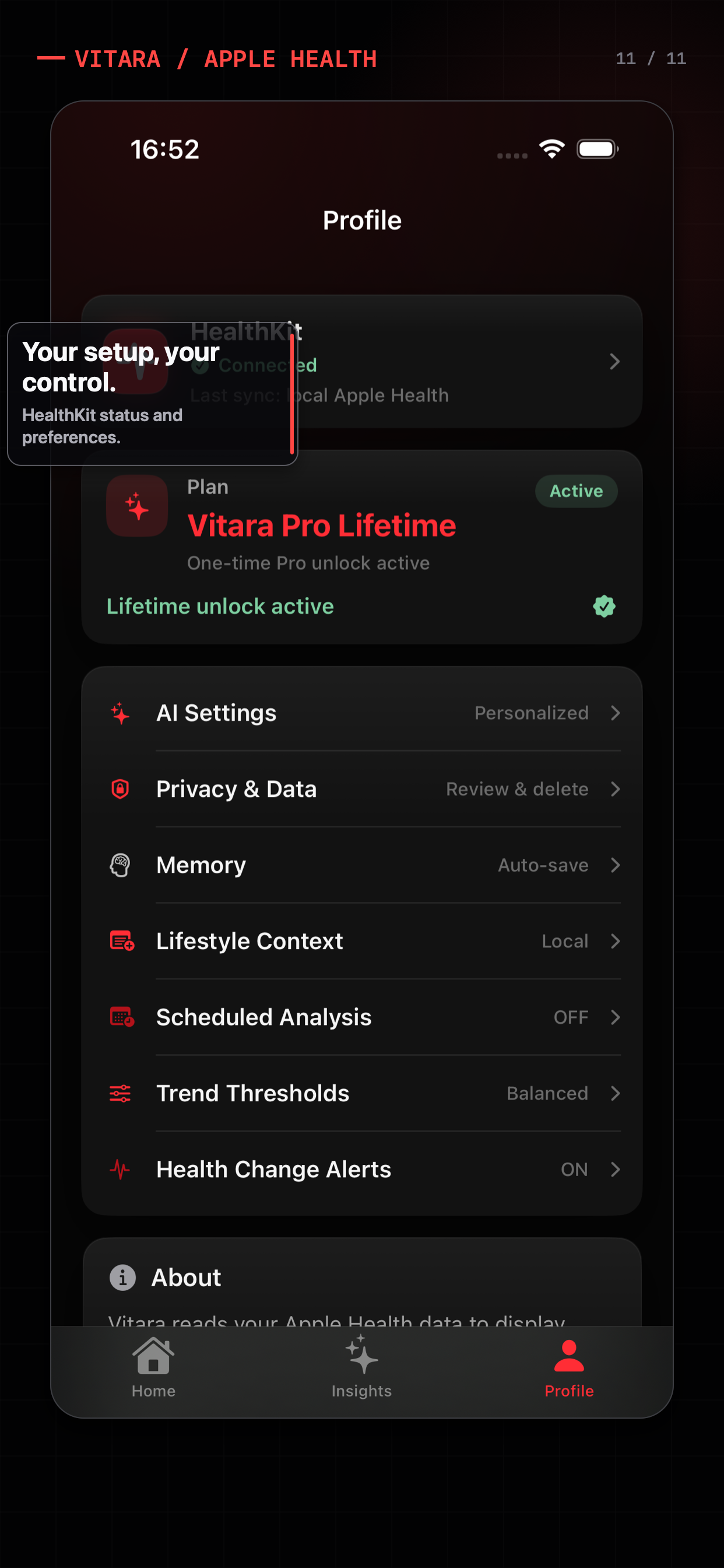 Privacy & control
How Vitara separates local Apple Health access from optional AI processing, custom endpoints, and API key control.
Read the noteSimple plans
New users can start with Pro free. When you are ready, choose a $49.99 lifetime unlock or a $6.99/month subscription.
Free
$0
Free forever: Apple Watch insights and AI analysis with your own API key. No Vitara account, and Vitara does not run a cloud model.
Pro
$49.99 one-time
or $6.99/month with a monthly subscription
New users get free Pro access to explore the deeper workflow before choosing the purchase model that fits.
Questions, answered
An Apple Health dashboard app gives you a focused way to review HealthKit trends on iPhone, including data recorded by Apple Watch. Vitara shows what changed across sleep, HRV, heart rate, activity, and workouts. When you want an explanation, add your own API key for a cloud model you trust.
Before any model runs, Vitara shows what changed in sleep, HRV, heart rate, activity, and workouts against your recent baseline. That dashboard read is not an AI analysis. For an explanation, add your own API key.
Add your own API key. That is the recommended path: a cloud model you trust, with a preview before anything is sent. Vitara does not run that model. On-device Apple Intelligence is experimental and less reliable. It may fail, or claim data is missing, even when the dashboard already shows it. Do not rely on it for analysis.
Vitara reads Apple Health only after your permission. AI is optional. If you add your own API key, Vitara names the provider and asks before sending selected summaries, Memory entries, or chat text. Keys stay in the iOS Keychain, and you can revoke sharing in AI Settings. Vitara does not operate the cloud model.
Vitara is for iPhone on iOS 17 or later, using Apple Watch data from Apple Health. On first launch, add your own API key for OpenAI Chat Completions, OpenAI Responses, Anthropic Messages, or a compatible endpoint. That is the recommended AI path. On-device Apple Intelligence is experimental and less reliable. It may fail or claim missing data, and Vitara does not select it for you.
Free includes the Apple Health dashboard, What changed, manual AI analysis with your own API key, health Q&A, editable Memory including Dashboard focus, and searchable history. The dashboard works without an account or subscription. Pro adds deeper AI insight bubbles, custom templates, scheduled analysis, chat Memory auto-save, and an AI follow-up after change alerts. Pro Lifetime is US$49.99 in app, or Pro Monthly is US$6.99/month.
No. Vitara is not a medical app or medical device. Insights are for informational reference only and do not replace professional medical advice, diagnosis, or treatment.
Download Vitara for Apple Watch insights. When you want AI, add your own API key and use a cloud model you trust. On-device Apple Intelligence may fail or claim data is missing.
Download on theApp StoreiOS 17+ · Add your API key for AI · No Vitara cloud model