“Bring your own key” is not a privacy guarantee by itself. It is a control model: you choose the provider, you supply the credential, and you should be able to understand what the app sends before an AI request leaves the phone.
Two AI paths, one visible choice
The point is not to make one provider sound universally safer than another. The point is to make provider selection an explicit user decision and keep the app honest about the boundary that follows.
What stays under app control?
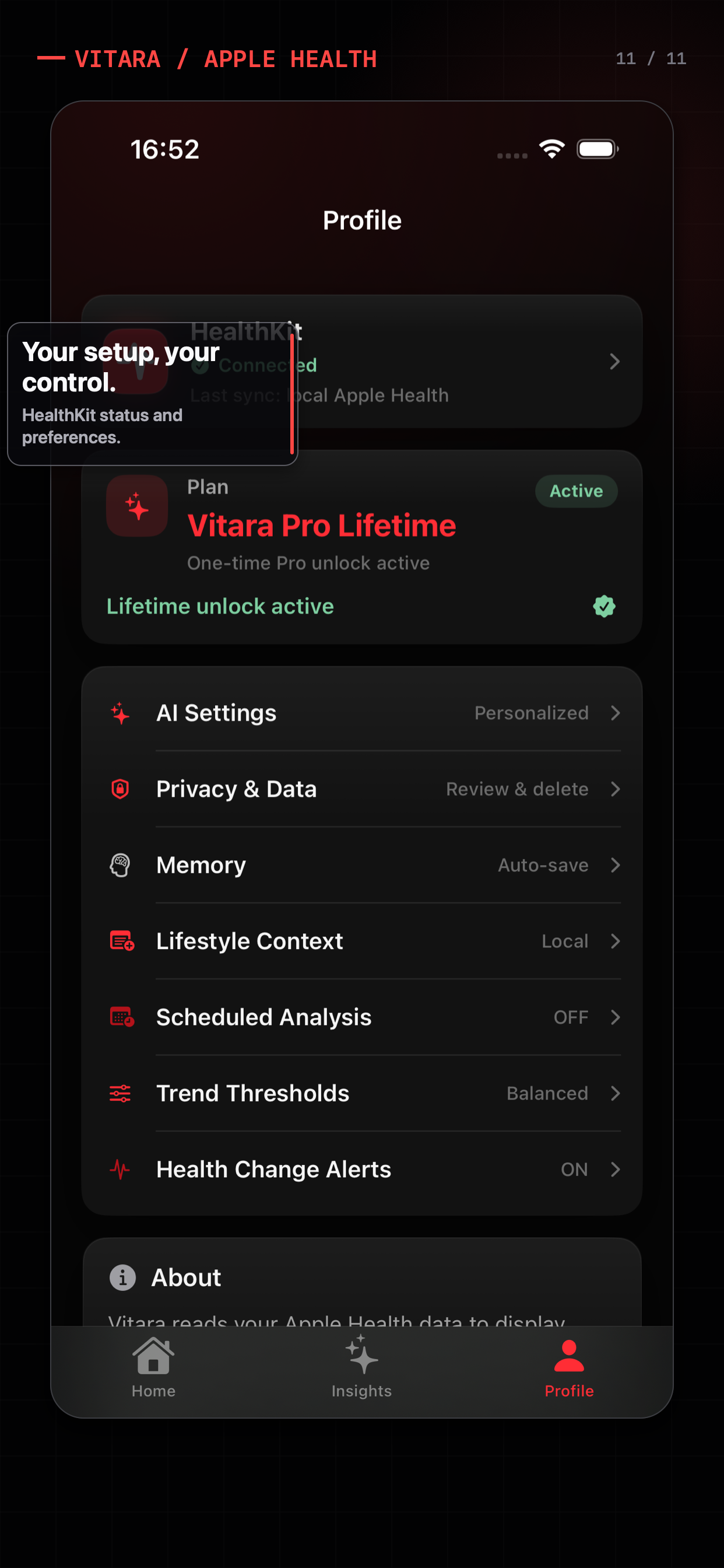
HealthKit access
Vitara requests and uses only the read permissions the user grants. The app owns the query path.
Provider selection
The active AI path is resolved by the app instead of being an invisible default buried in a request.
API key storage
Custom endpoint keys are stored through iOS Keychain. App configuration keeps a reference, not the raw secret.
Consent and revocation
Before a custom provider receives selected context, the app presents a data-sharing confirmation that can be revoked.
What can be sent to a custom provider?
When you choose a custom endpoint and approve the data-sharing step, the request can include the context needed for the selected analysis or chat turn. Depending on the feature, that may include a prompt, selected Apple Health results, relevant summaries, and enabled Memory used for personalization.
The important word is selected. The agent is designed to query the data it needs instead of dumping every available metric into every request. Memory is also kept separate from measured HealthKit evidence: it can shape the answer, but it cannot replace a real health query.
What Vitara does not claim
Vitara does not claim that all data always stays on-device or that a custom provider receives zero information. If you choose a custom endpoint and approve sending context, that provider’s own processing and retention policies apply. Read the provider’s terms and Vitara’s Privacy Policy before configuring it.
BYOK is about an inspectable boundary
A trustworthy AI flow should let you answer four questions before you tap send:
- Which AI provider is active?
- Which health context does this feature need?
- Has the app shown me where that context will go?
- Can I change or revoke the choice later?
That is the role of BYOK in Vitara. It is not a shortcut around privacy decisions. It is a way to keep those decisions visible and user-controlled while still making AI analysis practical.
Keep reading
Provider control is only one half of the story. To understand why Vitara does not send every metric to the model, read How Vitara’s Health Agent Queries Apple Health. You can also read how to use AI to analyze Apple Health data privately before choosing a provider.